One message.
The full picture.
Clara asks on WhatsApp if she can see material samples during the visit. The team opens her conversation in Hub and checks the history before replying.
Explore Altya Hub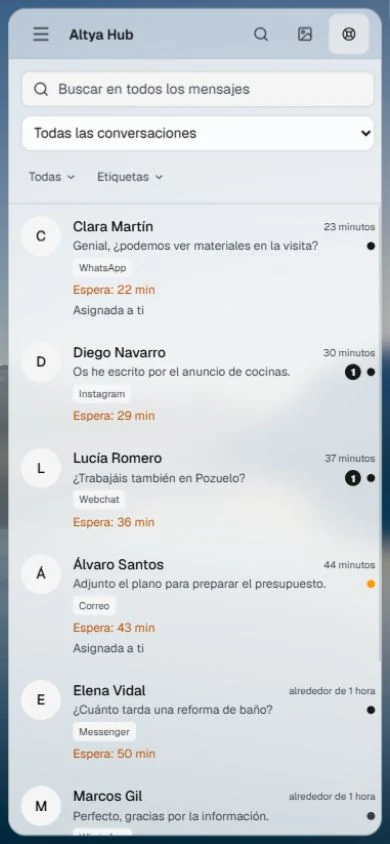

Connect your website, messages and calls. From Madrid, we build the software and automations your team uses every day.
Tell us about your project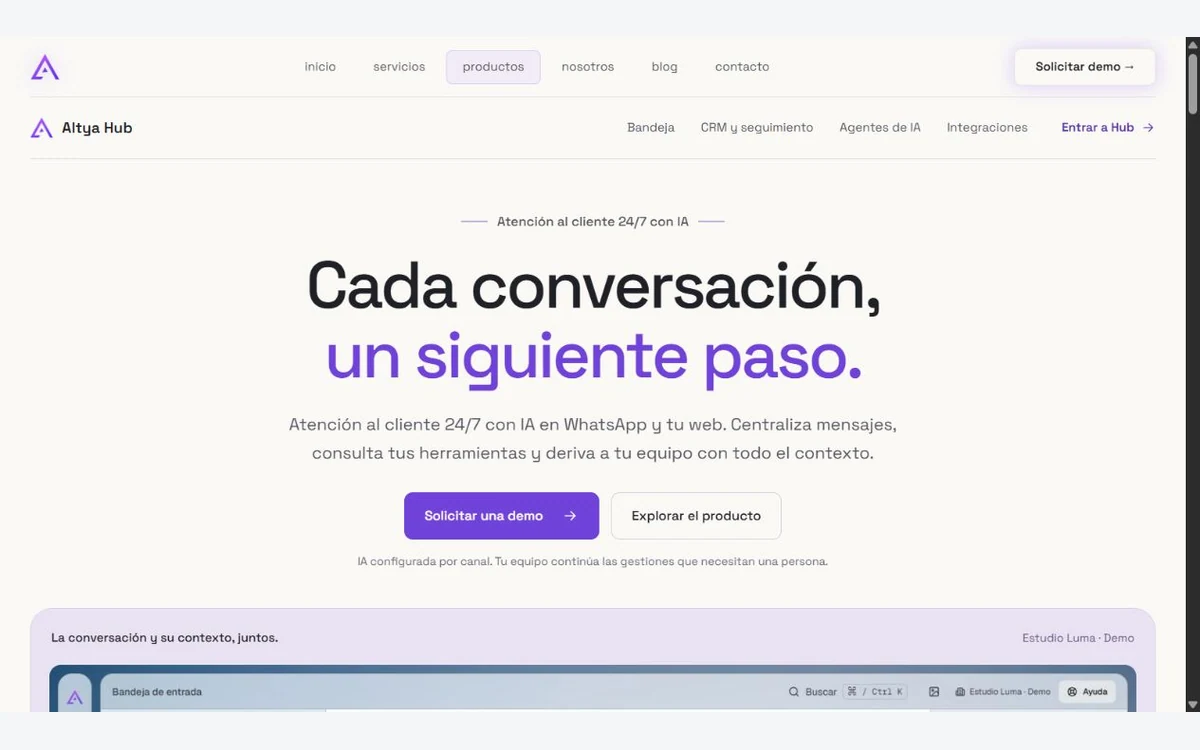
Business and lead generation websites
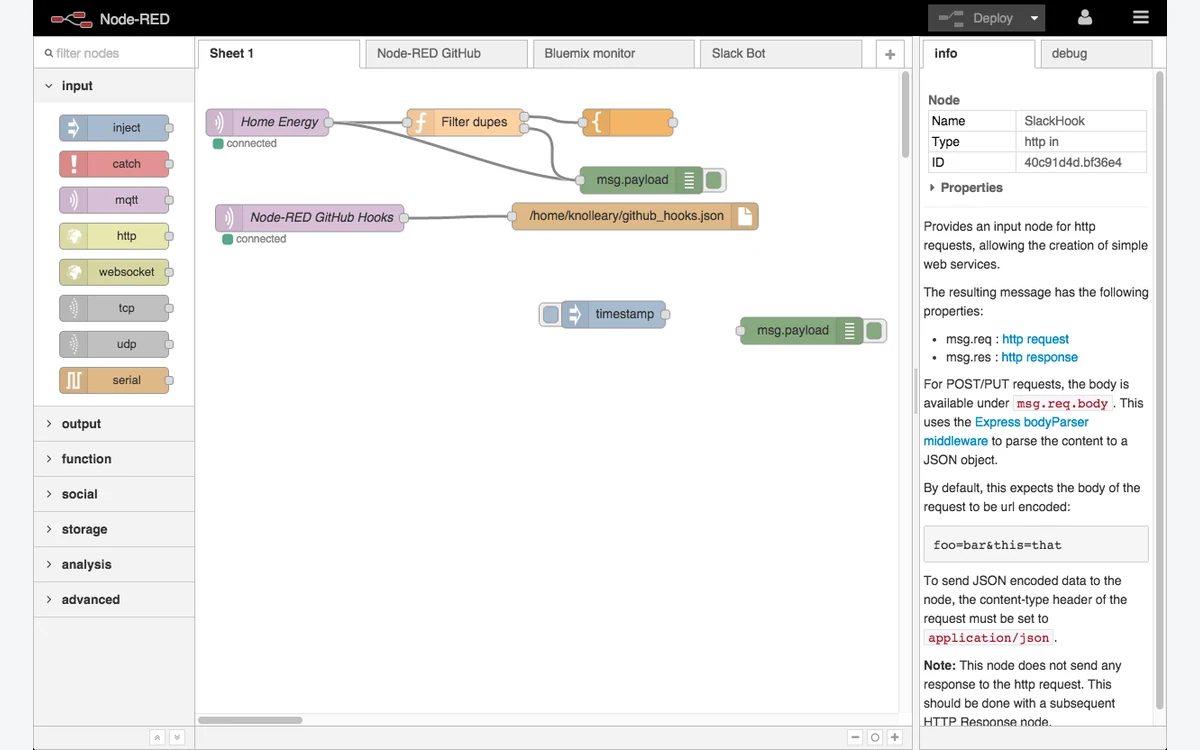
Workflows that connect your apps
Assistants for your team’s everyday tasks
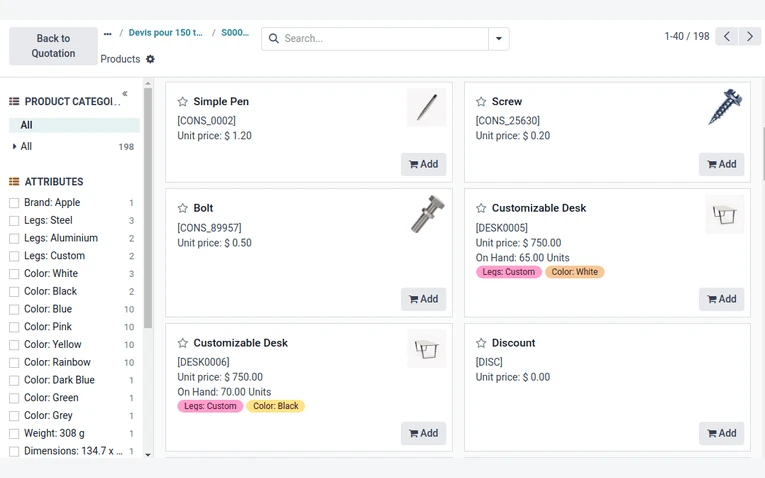
Sales, invoicing and operations

Servers ready for your applications
Backups, checks and monitoring
Technical audit and action plan
Follow an enquiry from the first message to a site visit, then try handling a call with Altya’s products.
Clara asks on WhatsApp if she can see material samples during the visit. The team opens her conversation in Hub and checks the history before replying.
Explore Altya Hub
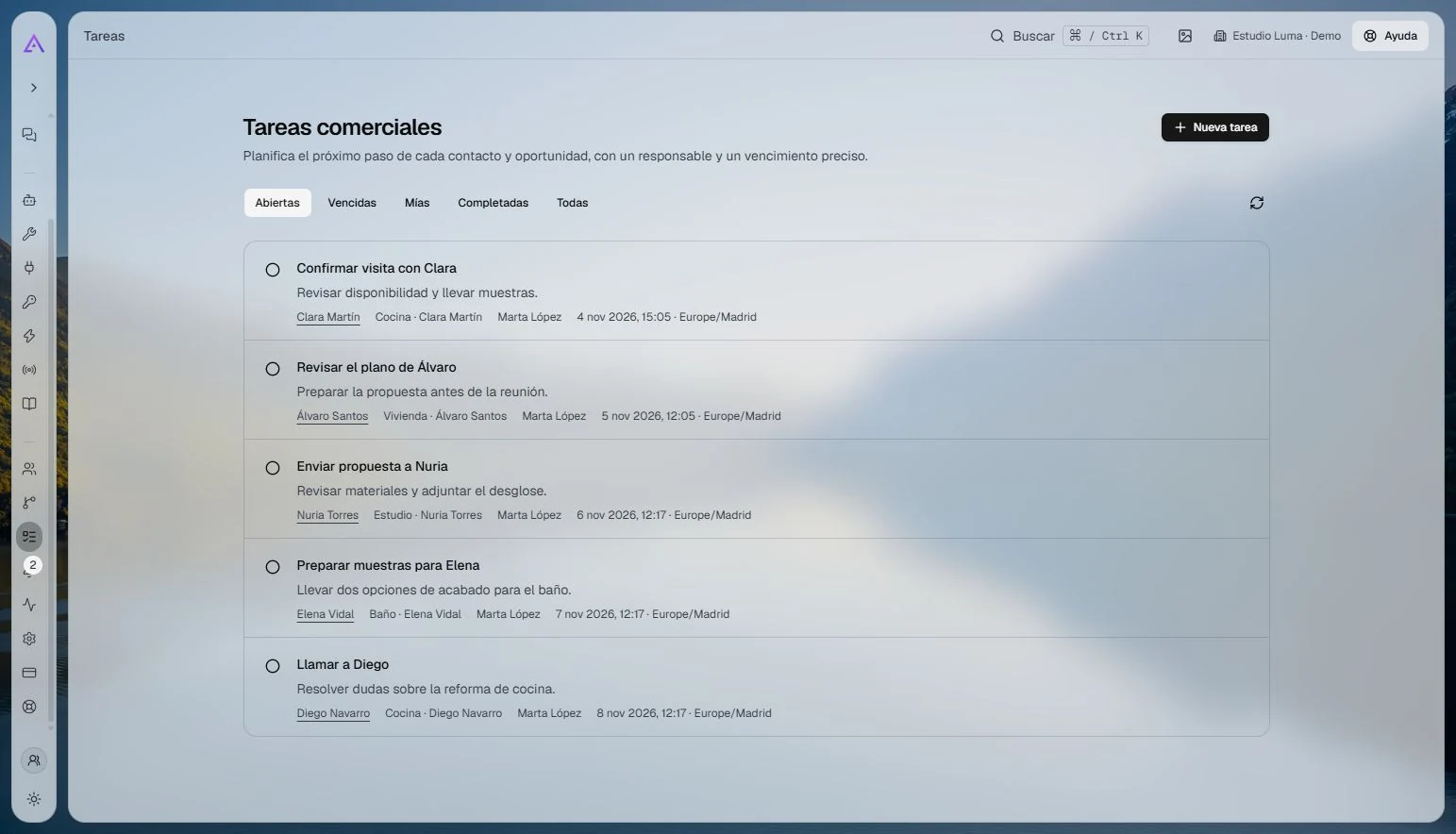
Clara’s kitchen project is at the site visit stage. On the same board, the team can see which projects have a proposal and which ones are confirmed.
Explore the Hub CRM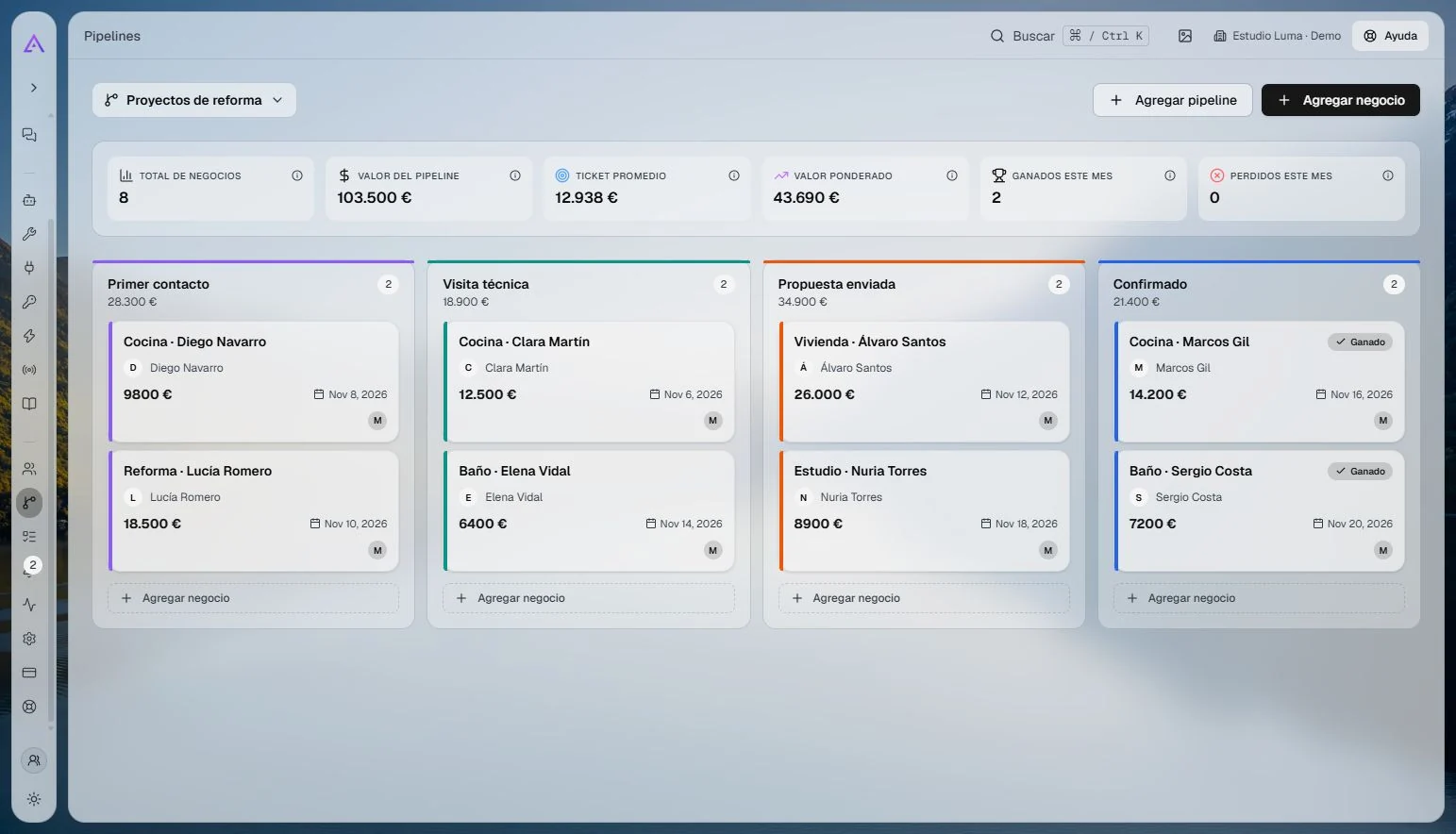
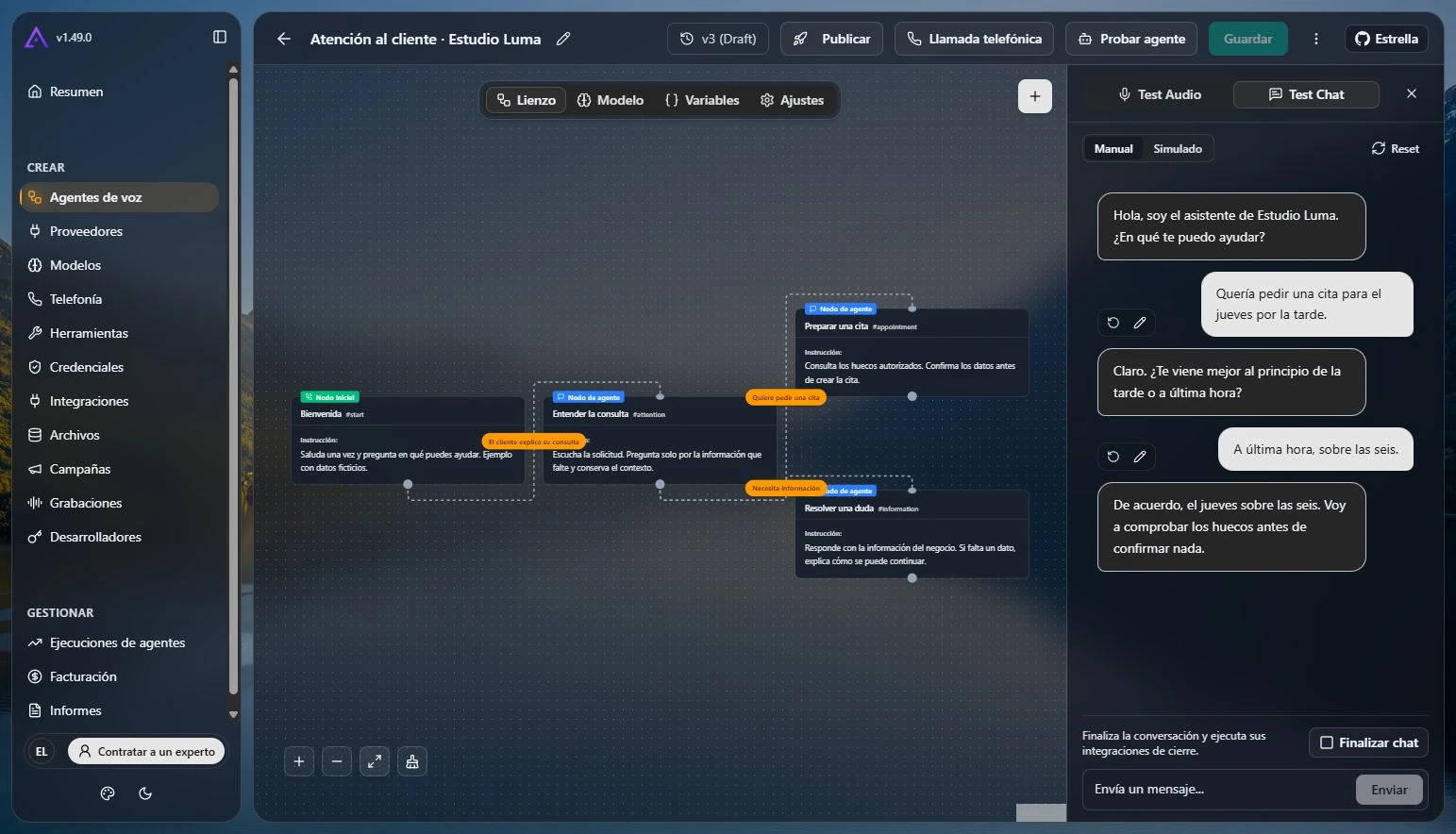
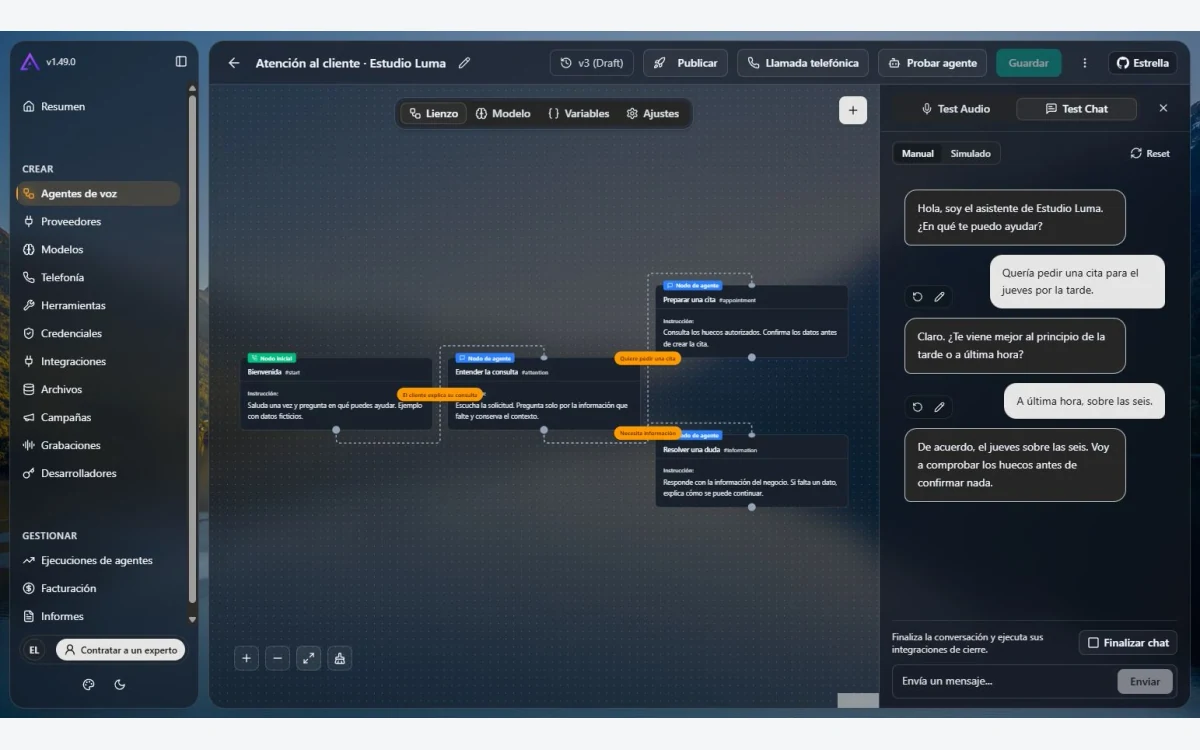
Try asking for an appointment on Thursday afternoon. The Voice simulator lets you read your agent’s replies and fine-tune its questions before taking real calls.
Explore Altya Voice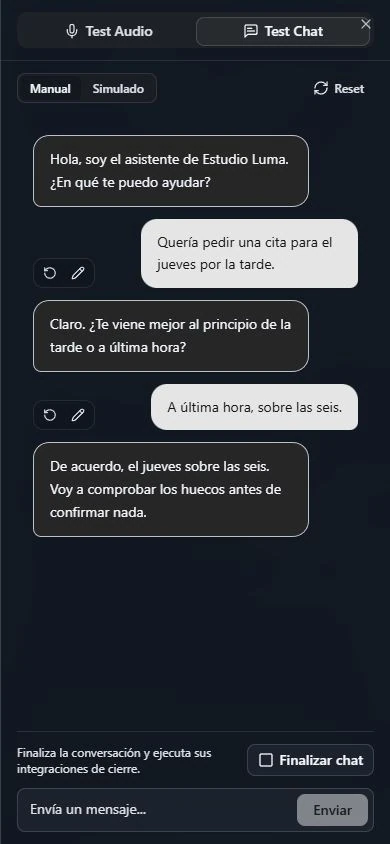

Reply from your team inbox with the conversation history at hand.

Reply to messages from your Facebook Page in the Altya Hub inbox.

Check the catalogue and order status while helping a customer.

Connect your store’s orders and catalogue to the tools your team uses.

Check your availability before confirming a visit.

Connect your CRM and inventory to your business processes.

Receive direct messages alongside conversations from your other channels.
Compare two ways of arranging the same kitchen renovation visit.
Clara · KitchenCall on Thursday and bring the samples.
Choose a product and a step to explore its real interface. The contacts and appointments are sample data.
Follow a renovation enquiry from the first message to the site visit.
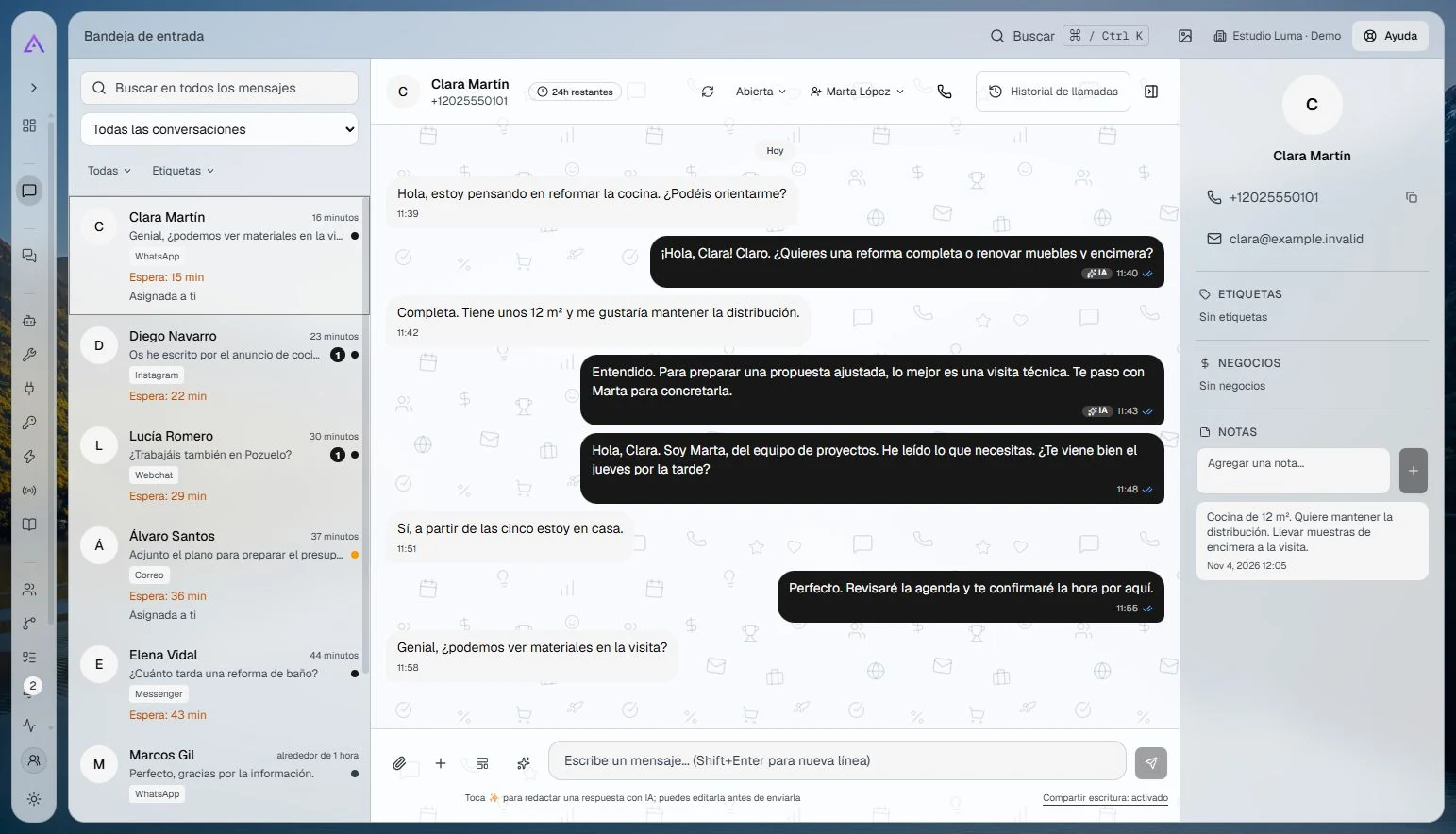
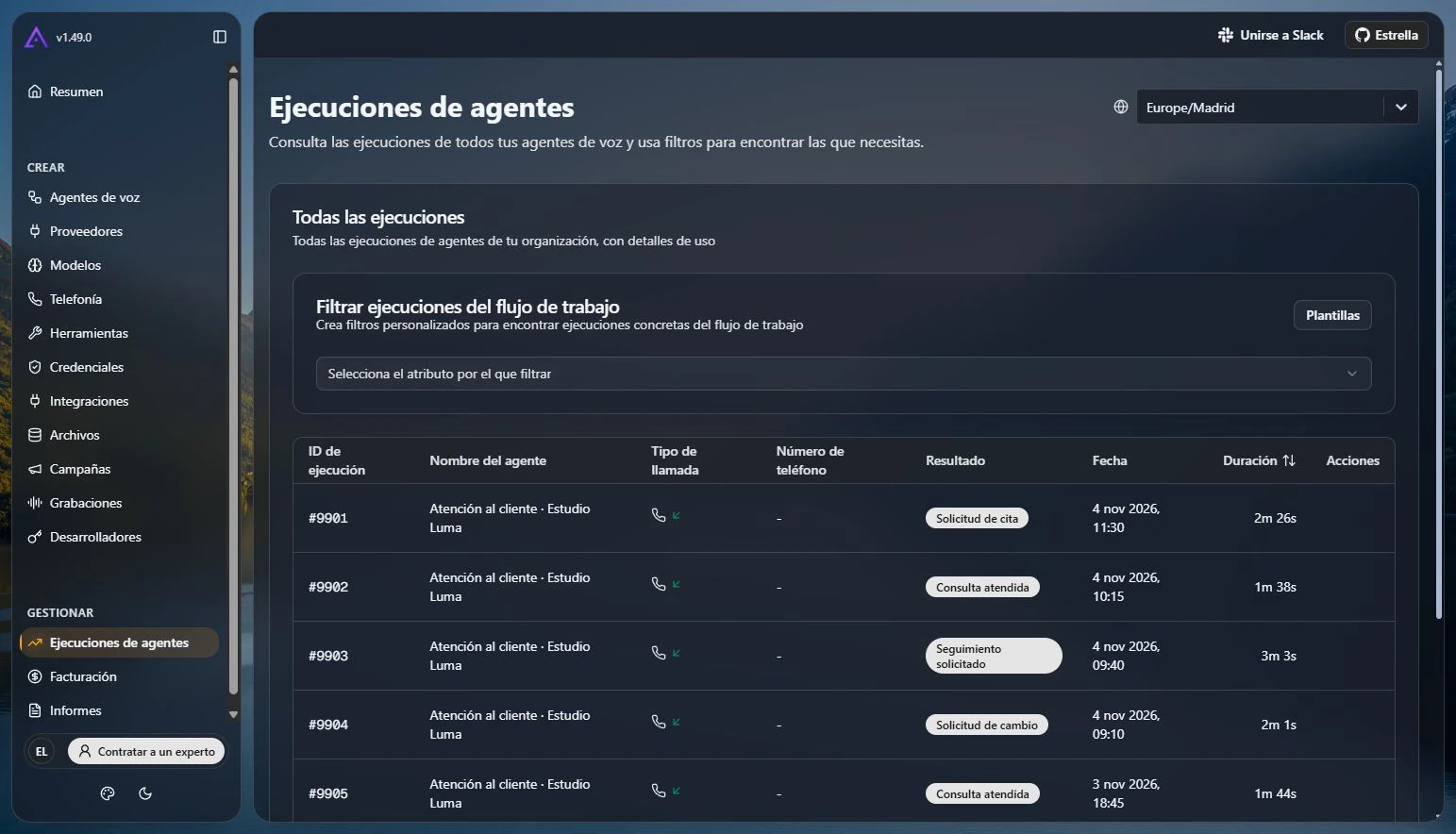
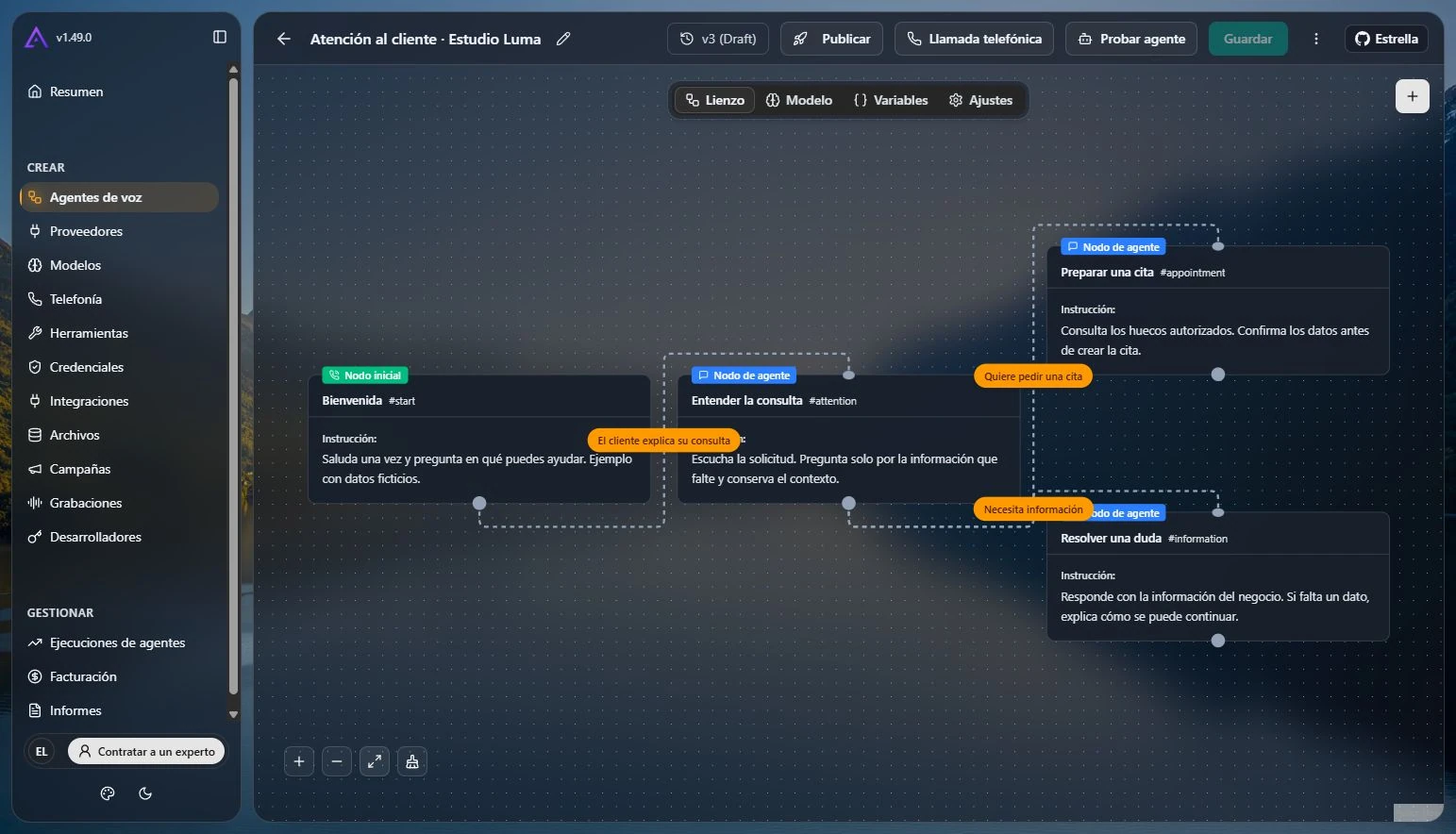
See how an agent is set up and how to review a test conversation.
Choose an example to see what the customer receives and what your team handles next.



Show us how your team works and which task you would like to solve.
We agree on the scope, deliverables and an estimate for your project.
You try each delivery and we use your feedback to shape the next step.
You get the code, access credentials and documentation. You can also count on our support.
React, Next.js, TypeScript, Tailwind CSS, n8n, Python, Odoo, PostgreSQL, Docker, Linux, Nginx, Cloudflare, Git, OpenAI API and Claude.
If you’re considering a change, these guides help you decide what to review, what to keep and where to start.
Compare the cost, dependencies and upkeep of your workflows before choosing which one to migrate first.
Organise forms, folders and notifications so every new client knows how to get started.
Review your offer, the evidence you share and the steps a business takes to request a proposal.
Tell us which task you want to tackle, which tools you use and how you do it today. That gives us a starting point to discuss the scope.
Yes. We start with a clearly defined project, show you each delivery and give you access to the code, domains and accounts from day one.
Yes. A technical review, a single automation or a lead generation page are all good ways to start working together.
We can look at the problem together and agree on a plan before we start building.
We review the available integrations and permissions. Together we agree which data needs to move between your tools, for example between your shop, calendar or CRM.
The code, access credentials and documentation are yours. Ongoing support is optional.